
Send a quote
Price a quote request on the WooCommerce order screen and send it to the customer.
Price and send
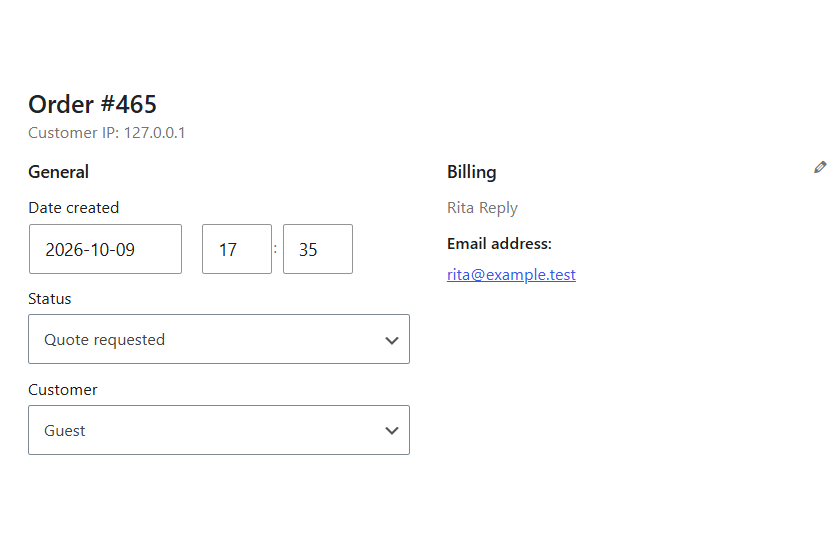
- Open the request under WooCommerce, Orders. Its status is “Quote requested”.
- Set the prices. Add shipping or a fee if you want. Save.
- In Order actions, choose “Send quote to customer”.
What the customer does
They accept from the email or from My account, and pay at your checkout. The quote becomes “Quote accepted” and links to the paid order.
Statuses
- Quote requested
- Waiting for your price.
- Quote sent
- Waiting for the customer.
- Quote accepted
- Paid. The order placed from it is linked in the notes.
- Quote expired
- Past its date. Send it again to reopen it.
Start a quote yourself
Add an order, set its status to “Quote requested”, add the customer’s email and the items, then send the quote.